Symlex VPN | Support - help, setup & troubleshoot

IP Status: Checking...

Hi! How can we assist you today?

Find setup guides, troubleshooting steps, billing support, and answers from our support team.

24/7 Customer Suppor

24/7 customer support

Read more
WhatsApp Help

WhatsApp help

Read more

Which topics can you get helped with

Symlex VPN Support Topics

General information
Learn what Symlex VPN does, how it works, and how it helps protect your privacy while providing a safer browsing experience across your devices.

Privacy policy
Understand how Symlex VPN handles user data, privacy practices, and the measures taken to help keep your online activities secure.

Service updates
Stay informed about new features, app improvements, server expansions, performance enhancements, and important announcements.

Manage subscription
View, upgrade, downgrade, or renew your Symlex VPN plan anytime, and keep your subscription active without any unwanted interruptions or delays.

Payment methods
Find clear information about supported payment options, how transactions are processed, and manage your billing preferences easily, without extra hassle.

Refund requests
Learn about refund eligibility, request procedures, and the steps involved in reviewing refund inquiries.

Android VPN setup
Step-by-step instructions to install and connect Symlex VPN on Android smartphones and tablets.

iPhone VPN setup
Learn how to download, configure, and start using Symlex VPN on your iPhone or iPad within minutes.

Windows & macOS setup
Set up Symlex VPN on desktop devices and enjoy secure browsing, streaming, and online privacy protection.

VPN not connecting
Resolve common connection issues, server access problems, and network-related interruptions quickly.

Slow VPN speed
Improve browsing, streaming, and download performance with practical speed optimization recommendations.

Login & account issues
Fix sign-in problems, password errors, verification concerns, and account access challenges.

Popular support
topics

VPN setup guides

Install Symlex VPN easily on Android, iPhone, Windows, macOS, Fire TV, and more.
VPN Setup Guides

Connection issues

Fix common problems like connection errors, unstable speeds, login issues, and app crashes.
Connection Issues

Billing & accounts

Manage your subscription, payment methods, refunds, account recovery, and renewals in one place.
Billing & Accounts

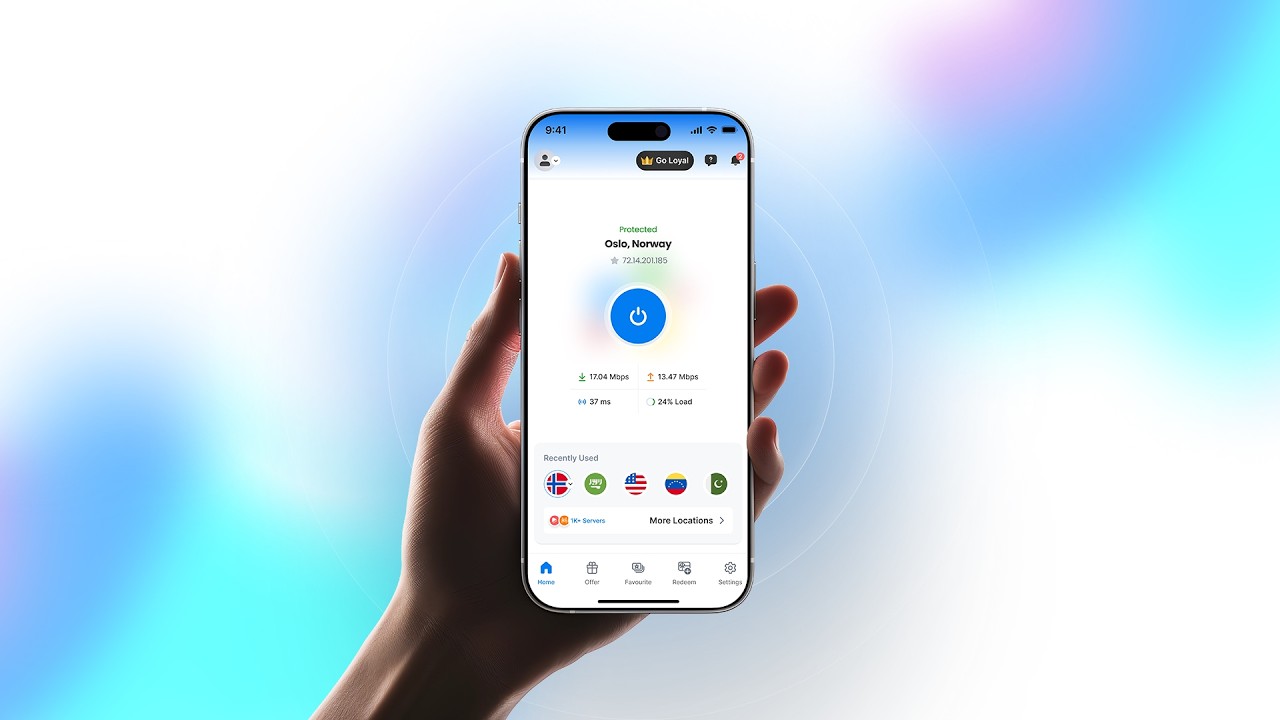
Discover the latest feature update of Symlex VPN

Explore Symlex VPN Video Thumbnail Play Icon

Stay with Our Security
& Privacy Blog

Start your 5-day free trial

Enjoy a unified experience across phones, tablets, computers, TVs, and streaming devices.

Available on

Frequently asked
questions

Symlex VPN helps hide your IP address and encrypts your connection, making your browsing more private on public or home networks.

Symlex VPN supports Android, iPhone, iPad, Windows, macOS, and Fire TV, so you can stay connected on most devices.

All premium plans let you connect several devices simultaneously at once. Check your plan and contact support to know the exact device limit and rules.

Yes, Symlex VPN offers a 5-day trial period after registration so you can test the app's features before committing to a paid subscription.

Download the app for your device, log in with your account details, and follow the simple, guided setup steps.

Go to your account settings to upgrade, downgrade, renew, or cancel your subscription anytime, without extra steps.

Visit the billing section of your account to review and update your payment method, or contact our support team via live chat, email ([email protected]), or WhatsApp.