
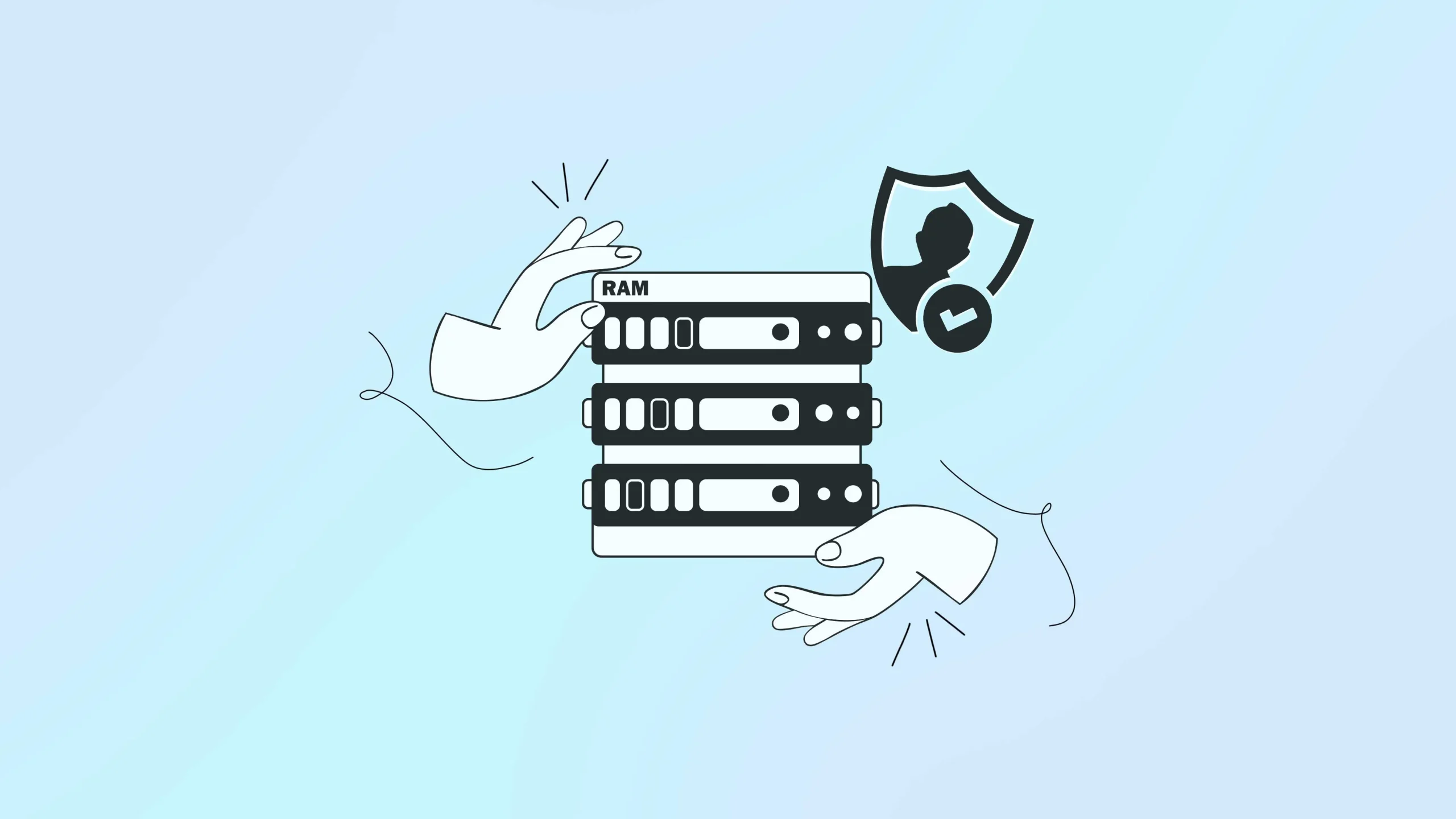
A RAM-only VPN, also called a diskless VPN, is changing how online privacy works. Traditional VPN servers store data on hard drives, and that stored data can potentially be seized, examined, or misused later. RAM-only servers take a different approach that solves this problem at the hardware level, not just in a written policy.
Why companies adopted RAM-only servers
Several major VPN companies have invested heavily in diskless VPN servers over the past few years. These servers run entirely on temporary memory. Once the power goes off, everything stored on that server disappears. No files are left behind for anyone to dig through.
You do not need to be a security expert to benefit from this. Anyone who connects to public Wi-Fi, banks online, or simply wants fewer traces of their browsing left behind can benefit from a server designed to forget everything.
How RAM-only servers actually work
RAM, or Random Access Memory, is volatile. It only holds data while the server has power. The moment electricity stops, the information stored in RAM is gone. No leftover file remains to recover because the electrical signals that held the data are no longer there.
Hard drives and SSDs work differently. They hold onto data even after the power is switched off, which is why forensic tools can sometimes recover old files, logs, and activity records later.
Here is roughly what happens each time a RAM-only server starts up.
- The server loads a read-only operating system image from a secure remote source.
- Everything, including the operating system, apps, and any temporary activity data, runs directly in RAM.
- During normal operation, it writes nothing to a hard drive.
- When the server restarts, it automatically wipes whatever was stored in memory.
Because of this cycle, a well-built RAM-only server never builds up a history of user activity. Many providers also run scheduled reboots, sometimes as often as once a week, to keep this clean-slate cycle going even when a server hasn’t been restarted for any other reason.
How RAM-only servers protect your data
This kind of setup protects users in several practical ways.
No stored logs to leak
Since the server has no permanent storage, no connection logs, browsing timestamps, or IP address records sit around waiting to be found. Even if someone takes the physical server, nothing meaningful remains to recover.
Automatic wipe on every reboot
Every restart completely clears the server’s memory. This makes a log-free VPN policy automatic, not just something a company promises.
Fewer entry points for attackers
With no persistent data stored on the server, there is far less for a hacker to steal even if they manage to break in. This kind of VPN server security reduces the value of attacking the server in the first place.
Protection if hardware is seized
If a server is physically confiscated, providers can often wipe it remotely, and since nothing is ever saved to disk, there is typically nothing usable left to analyze.
Consistent performance across the network.
Because every server boots from the same verified image, configurations stay uniform, which helps keep speeds and reliability more consistent from server to server.
RAM-only versus traditional servers
RAM-only versus traditional servers
| Aspect | RAM-only servers | Traditional servers |
| Data storage | Temporary, wiped automatically on reboot | Stored indefinitely unless manually deleted |
| Log retention | No persistent logs are kept | Logs and activity data can build up over time |
| Data breach risk | Lower, since there is little stored data to steal | Higher, since stored files are a target for attackers |
| Physical seizure | Providers can remotely wipe the server, leaving little to recover | Data may be recoverable later using forensic tools |
| Logs policy | Enforced by the hardware design itself | Depends on the provider’s policy and compliance |
| Performance consistency | Uniform, since every server boots from the same verified image | Can vary due to configuration drift between servers |
| Attack surface | Smaller, with no writable disk for malware to target | Moderate, with more storage points to target |
| Cost to build and maintain | Higher | Lower |
RAM-only servers cost more to run, but they remove most of the risk that comes with holding data on a disk in the first place, which is why RAM-only server technology has become a differentiator for privacy-focused providers.
Why many providers avoid RAM-only servers
Some established providers choose encrypted hard drives instead, and their reasoning is worth understanding.
1. A running server can be accessed either way.
If a server is seized or hacked while it is still powered on, whatever is active in memory can potentially be read, no matter whether it uses RAM or a hard drive. The real advantage of a RAM-only design kicks in only once the server is switched off.
2. Strong disk encryption can close that gap.
When a hard drive is properly encrypted, everything on it stays locked without the right key. If you keep that key separate from the server, a powered-off encrypted drive is about as hard to read as a RAM-only server that has already wiped itself.
3. A clear privacy policy matters more than the hardware
If a provider never keeps sensitive logs in the first place, there is nothing useful to find either way. The best way to check this is a regularly published, independent audit, not the type of storage a provider happens to use.
4. Where the server sits matters too
A server based in a country with strong privacy laws is harder to seize or force data out of. Some providers handle this by keeping their actual hardware in privacy-friendly countries, even while offering connection points that appear to be in more restrictive regions.
Limitations of RAM-only servers
RAM-only servers are a strong upgrade, but they should not be considered only a privacy solution.
| Limitation | What it means |
| Cost | RAM-based infrastructure is significantly more expensive to run than standard hard-drive servers, which often shows up in subscription pricing. |
| Reboot downtime | Regular restarts are needed to keep the clean-slate benefit, and this can occasionally cause brief interruptions, though most providers manage this with load balancing. |
| Cold boot risk | In theory, data in RAM could be recovered in the few seconds immediately after power loss, though this requires physical access to the hardware and is very difficult to pull off in practice. |
| It does not cover everything | RAM-only servers protect what happens on that specific server. They don’t automatically prevent logging elsewhere in a provider’s systems, and they aren’t a substitute for a properly configured kill switch or DNS leak protection. |
How to choose a provider with this technology
If VPN data privacy is your main priority, a few checks can help you separate genuine RAM-only providers from marketing claims.
- Step 1: Look for clear infrastructure details. A trustworthy provider explains how often its servers reboot and how the boot process works, rather than staying vague.
- Step 2: Check for a named, recent audit. Look for a specific independent auditor and a recent date, not just a general claim of “being audited.”
- Step 3: Confirm the basics are covered too. Make sure the provider also offers a working kill switch, DNS leak protection, and solid encryption standards.
- Step 4: Consider where the provider is based. Some countries have stronger privacy laws than others, which affects how well they protect user data.
A provider that checks these boxes is generally a safer bet if you are looking for the best VPN for privacy for your specific situation, rather than just the cheapest or most popular option.
Final thoughts
RAM-only servers are one of the more meaningful upgrades in VPN infrastructure in recent years. It is not a flawless system, but paired with strong encryption and good habits on your end, it is one of the clearer signs that a provider is serious about protecting what you do online.
Frequently asked questions
Look for a named, recent independent security audit, along with a clear explanation from the provider of how their servers boot and how often they restart.
Not entirely. It removes stored logs as a source of information, but a provider could still log limited data elsewhere in its systems. Ask providers directly how they handle this.
You will need to reconnect, but the upside is that your previous session’s data is also wiped in the process.
Not when an independent audit backs it. Building and maintaining this kind of infrastructure takes real investment, which is one reason not every provider offers it.
Mainly cost and complexity. RAM-based infrastructure is more expensive to build and requires more specialized management than standard servers.
No. It is a strong sign of a privacy-focused provider, but it works best alongside other basics like solid encryption, a reliable kill switch, and clear DNS leak protection.