
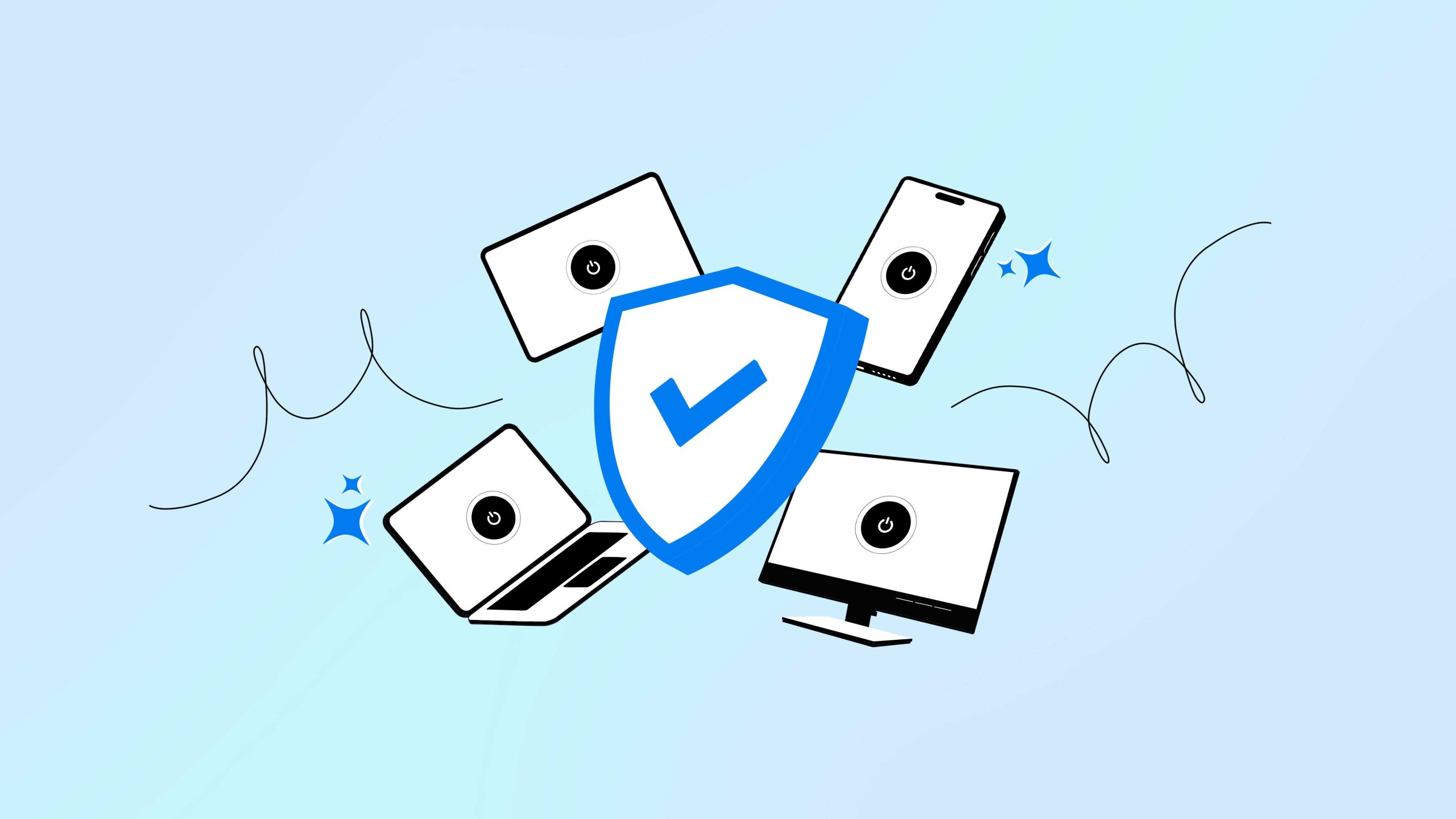
Symlex VPN is designed for users who want VPN protection across different platforms from one account. It supports multiple devices, including Android, iPhone, iPad, Windows, macOS, and Fire TV. Premium plans also support 10 simultaneous connections (starting in 2026).
What is a VPN for multiple devices?
A VPN for multiple devices lets you install and use the same VPN service across several compatible devices. Instead of managing separate VPN providers for your phone, computer, and tablet, you can sign in with one account and use supported connections across those devices.
- Encrypts traffic between your device and the VPN server.
- Routes supported traffic through the VPN server.
- Shows the VPN server’s public IP to websites.
- Adds privacy at home, at work, and on shared networks.
A VPN does not make a device completely anonymous. Websites can still recognize users through account logins, cookies, browser information, and other signals.
How Symlex VPN works across multiple devices
Symlex VPN currently supports Android, iPhone, iPad, Windows, macOS, and Fire TV. Its support documentation says premium plans allow several devices to connect simultaneously, though users should check their plan for the current device limit.
This makes it useful for someone looking for a multiple-device VPN rather than a service limited to one phone or computer.
The general setup is simple:
- Download the Symlex VPN app for your supported device.
- Sign in using your Symlex VPN account.
- Select an available VPN server.
- Connect to the VPN.
- Repeat the process on other supported devices covered by your plan.
Each connected device establishes its own VPN connection. This means your laptop, phone, or tablet can use the service independently.
Can you use one VPN for multiple devices?
Symlex VPN lets you use one account across multiple supported devices. Its current support page says premium subscriptions support simultaneous connections and recommends checking the selected plan for the exact limit and rules.
Using one VPN for multiple devices can be practical for people who regularly switch between devices.
For example, you might use:
- A VPN on your phone while using shared Wi-Fi
- The same account on your laptop for work
- A tablet for general browsing
- A supported TV device for everyday internet connectivity
Each device should still have its own updates, passwords, security settings, and safe browsing practices. A VPN adds a privacy layer, but it does not replace device security.
Privacy and connection features in Symlex VPN
A good VPN for multiple devices should do more than simply allow several installations. The available privacy and connection controls also matter. Symlex VPN currently lists kill switch, split tunneling, identity breach alerts, multiple server locations, and support for multiple VPN protocols among its features.
Kill switch
A kill switch blocks internet access if the VPN connection unexpectedly drops.
This can help reduce accidental traffic exposure through the normal connection while the VPN is unavailable.
It is important to understand its limits. A kill switch does not block phishing, malware, compromised passwords, or malicious downloads.
Split tunneling
Split tunneling lets you decide which supported apps use the VPN connection and which use your regular internet route.
This can be useful when only certain applications need VPN routing.
Traffic excluded from the VPN does not receive the VPN tunnel’s additional routing and encryption layer, though websites and apps may still use protections such as HTTPS.
Identity breach alerts
Symlex VPN currently offers a feature that checks whether an email address appears in known breach and threat-intelligence sources.
This can help users identify known exposure associated with an email address. It does not guarantee that an account has never been compromised or that future breaches cannot occur.
VPN server options and connection performance
Symlex VPN currently advertises more than 1,000 servers across more than 100 locations. A larger selection can give users more options when choosing a nearby or suitable VPN server.
Server choice can affect VPN performance.
A geographically closer server may reduce the additional distance that traffic needs to travel, but VPN speed depends on several factors, including:
- Your original internet connection
- VPN server load
- Distance from the server
- VPN protocol
- Device performance
- Local network quality
- Routing between networks
For this reason, it is better to avoid claims that any VPN will always increase internet speed.
Encryption and rerouting introduce processing and network overhead. Actual results can vary by device and connection.
VPN protocols available with Symlex VPN
Symlex VPN currently supports multiple protocols, including OpenVPN, WireGuard, and V2Ray-based connection options. Different protocols can behave differently depending on your device and network.
- OpenVPN is a mature VPN technology that supports UDP and TCP.
WireGuard is designed around a smaller codebase and modern cryptography.
The most suitable option depends on network conditions, device support, and the provider’s implementation. No single protocol is guaranteed to be fastest on every network.
Can you try Symlex VPN before subscribing?
Symlex VPN currently offers a five-day premium trial after registration. Its pricing and feature pages state that you don’t need a payment card to start the trial. The feature page also notes that the trial provides access to most servers and features, excluding some Loyalty servers. Users should check the current pricing page before subscribing because plans, trial conditions, and pricing can change.
Customer support for multiple devices
Using a VPN across several operating systems can occasionally require help with installation, login, billing, or connection settings. Symlex VPN currently provides support resources for Android, iPhone, Windows, macOS, Fire TV, and other supported platforms. Its support page includes setup guidance, connection troubleshooting, account help, and billing information.
What to check before choosing a multi-device VPN
Before selecting a multi-device VPN, compare features based on your needs rather than broad marketing claims.
Check:
- Supported operating systems
- Simultaneous device limits
- VPN protocols
- Kill switch availability
- Split tunneling support
- Server availability
- Privacy policy
- Subscription terms
- Trial limitations
- Customer support options
Remember that a VPN is only one part of online privacy and security. Keep devices updated, use strong unique passwords, enable multi-factor authentication when available, and remain cautious about phishing links and unsafe downloads.
Final words
Symlex VPN currently supports several major platforms and offers features such as a kill switch, split tunneling, multiple VPN protocols, server selection, and simultaneous connections through premium plans. It also provides a five-day premium trial with no card required under its current published terms.
FAQs
Yes. Symlex VPN supports multiple devices under the same account. The number of simultaneous connections depends on your current subscription plan.
Its current support page lists Android, iPhone, iPad, Windows, macOS, and Fire TV among supported devices.
Symlex VPN currently offers a five-day premium trial with no card required. It also lists a free plan with limited servers and bandwidth. Check the latest plan details before signing up.
No. The VPN generally needs to be installed, configured, or otherwise enabled on each supported device unless the connection is managed at the network level through a compatible setup.
No. A VPN can encrypt traffic between your device and the VPN server and change the public IP visible to many websites. Cookies, account logins, device information, and other tracking methods can still identify or recognize users.