
Use one account on up to 10 devices
Keep your phone, laptop, tablet, and TV safe on any network. Create an account, install apps, log in, and browse securely!

Protect your connection across
all smart devices
Log in with the same credentials to protect up to
10 devices at the same time.
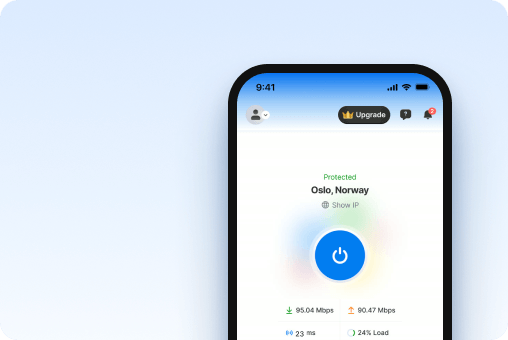
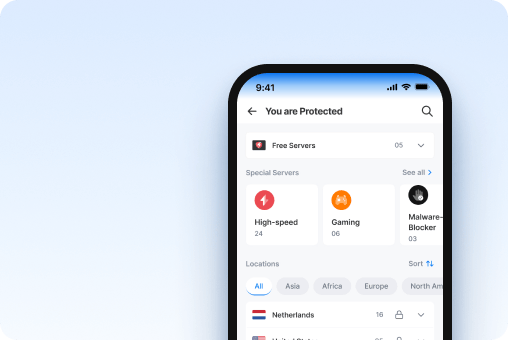
Mobile devices
Privacy and security on the go


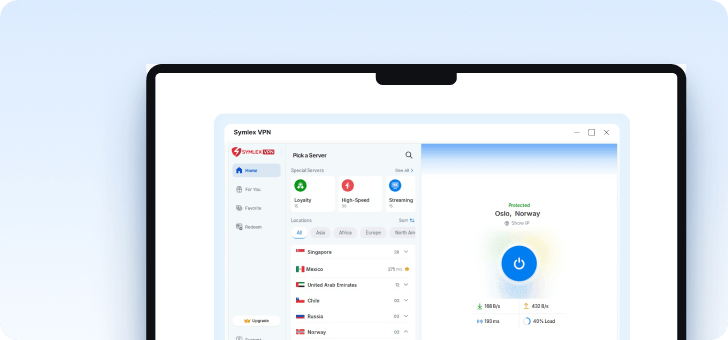
Computer setups
For safer office and remote work


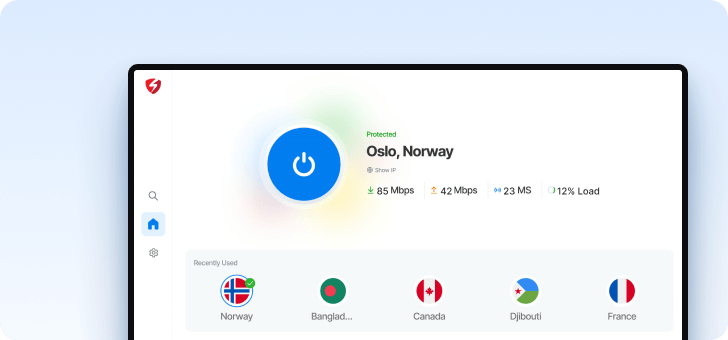
TV & streaming gadgets
Enjoy added privacy on the big screen


Don't have a compatible smart TV? Connect a Fire TV Stick, run it, and install Symlex VPN!
Easily manage all the devices
connected to your account
Every one of the secured devices shows up on the app dashboard.
You can view the list, add, or remove devices.

Stay private during important moments
wherever you go
From work to entertainment, Symlex VPN helps keep your
internet connection secure throughout the day.
 Commute
Metro_Free_WiFi
Traffic encrypted
On the daily transport
Stay connected with added privacy while using public Wi-Fi on trains, buses, and at stations.
 Work
Kill Switch
Blocks traffic if the VPN drops
On study or office desk
Protect your connection while accessing courses, work files, checking emails, or attending online meetings.
 Evening
Streaming servers
Dedicated server category
On the living room sofa
Enjoy your favorite movies and shows with an encrypted connection on your big smart screen!
 Travel
100+ locations
Pick a server near you
On the long tour
Keep your browsing more private on shared Wi-Fi networks at hotels, cafés, and airports.
Why need Symlex VPN on all devices?
Each smart device connects to different networks on its own. You can protect your online activities and browsing data with encrypted connections and tracker-free servers.
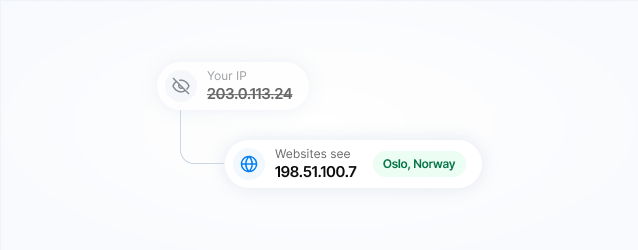
IP address protection
Keep your address private. Websites see the VPN server's IP address instead of your virtual location.
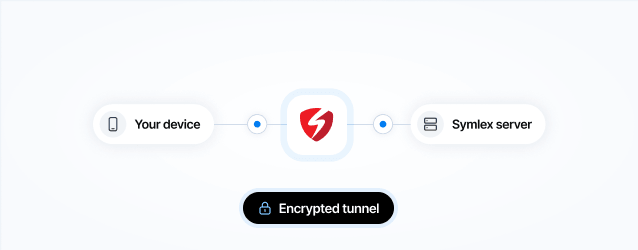
Encrypted connections
Protect your data in transit with encryption between your device and the Symlex VPN server.
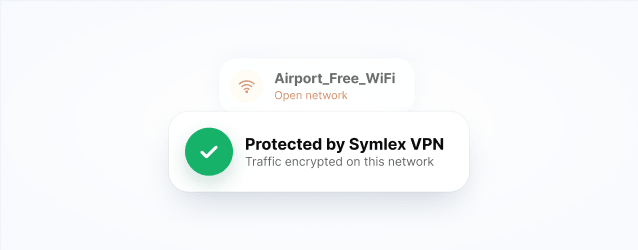
Secure public Wi-Fi
Add an extra layer of security when connecting to shared Wi-Fi at airports, hotels, cafés, and other public places.
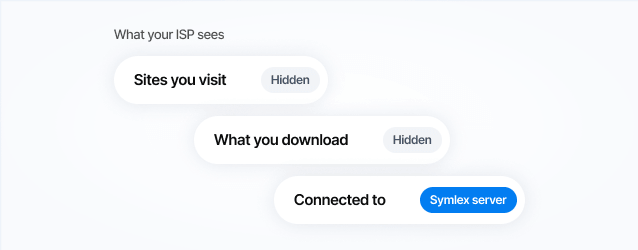
Online privacy
Keep your browsing more private by reducing what your local network can see about your online activities.
Get advanced VPN features for
stronger online protection
Bring the same control to every device you sign in to!
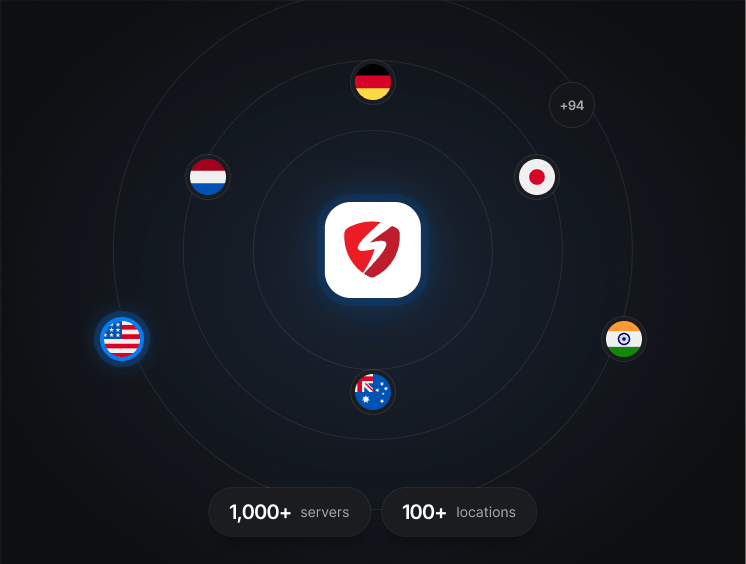
Global server network
Connect to 1,000+ VPN servers across 100+ locations worldwide. Choose a nearby server for faster speed.
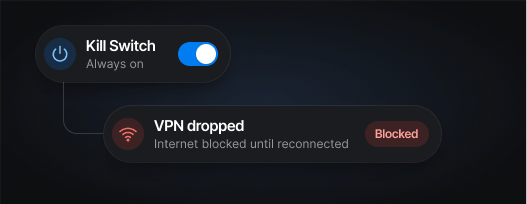
Kill switch
Prevent accidental data exposure by stopping internet traffic when your VPN connection drops unexpectedly.
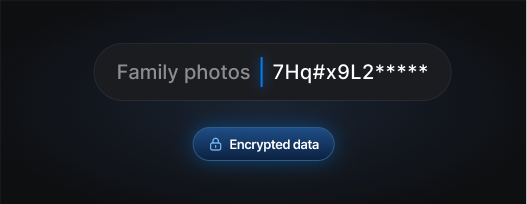
Strong encryption
Keep your data protected with strong encryption that secures traffic between your device and the VPN server.
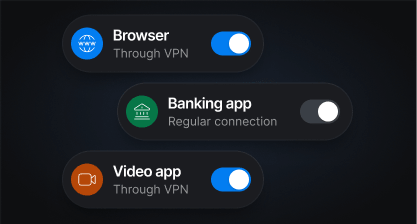
Split tunneling
Choose which apps use the VPN and which connect directly to the regular internet.
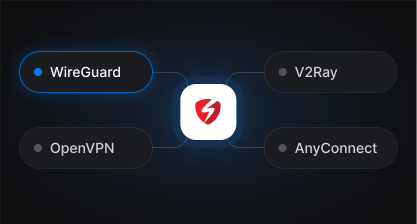
VPN protocols
Choose from WireGuard, OpenVPN, V2Ray, and AnyConnect to find the faster connection for your network.
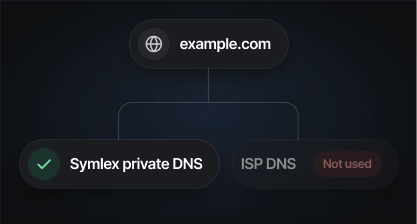
DNS leak protection
Domain requests go through private DNS servers, making you hidden from ISPs and trackers.
Some features vary by platform. Check the app on your device for what's available.
Start using Symlex VPN in minutes
Install. Set up. Connect.

01
Install Symlex VPN
Choose your device and install the Symlex VPN app from the available download option.
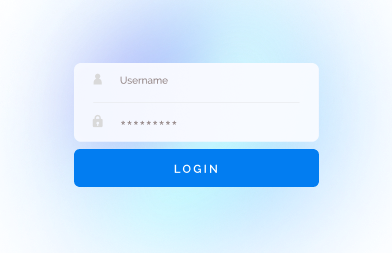
02
Set up your account
Create your account or sign in, then choose the plan that best fits your needs.
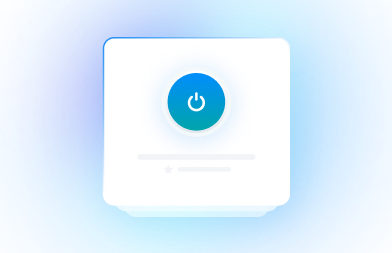
03
Choose and connect
Select your preferred server location and connect with the settings that suit your network.
Available on
Frequently asked
questions
Yes. You can use one Symlex VPN account across multiple supported devices, including smartphones, tablets, computers, and smart TVs. Simply install the app and sign in with the same account.
Symlex VPN supports up to 10 simultaneous device connections with one account. You can protect your phone, laptop, tablet, and other compatible devices without switching accounts.
Symlex VPN supports Android, iOS, Windows, macOS, Ubuntu, Android TV, and Amazon Fire TV. You can download the compatible app for each device from its supported app store or download page.
Download and install Symlex VPN on your additional device. Sign in using your existing account credentials and connect to a VPN server. You don't need to create a separate account for each device.
Yes. You can connect your phone and laptop to Symlex VPN at the same time using one account, provided you stay within the simultaneous connection limit.
Open the Symlex VPN app, tap on the profile icon, and go to the Devices menu to view your signed-in devices. You will see the device or browser name with the version number.
No. Each device needs its own active VPN connection. Install Symlex VPN on every supported device you want to protect and connect individually to encrypt its internet traffic.
Yes. You can use Symlex VPN on a compatible Android TV or Amazon Fire TV alongside your mobile phone. Sign in with the same account and connect each device separately.
VPN performance can vary depending on your internet connection, device capabilities, network conditions, and server load. Choose a suitable VPN server for each device to help maintain a reliable connection.
Symlex VPN offers a 5-day Premium free trial without requiring a payment card. You can sign in on supported devices using your account and explore the features available during the trial.