
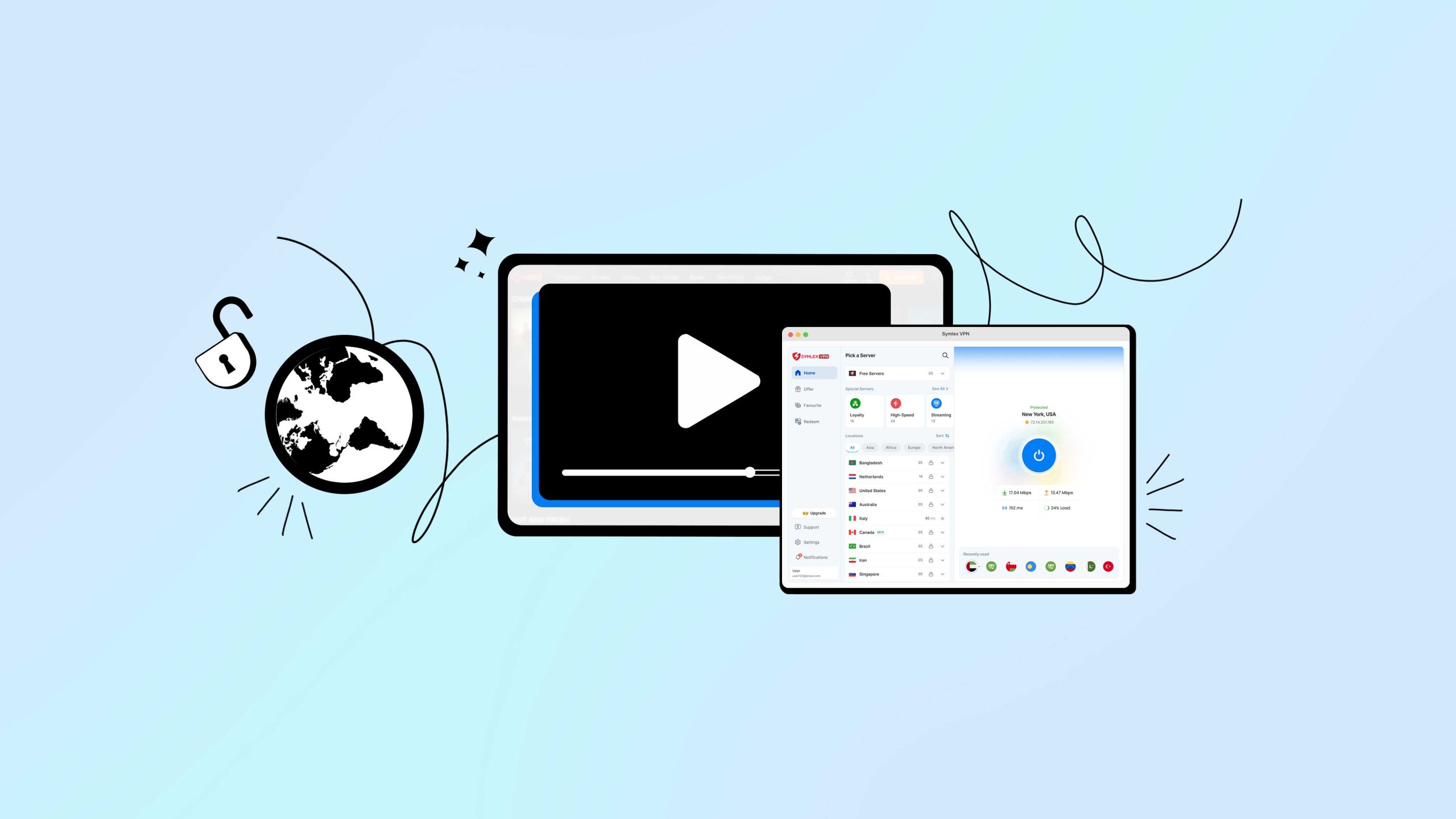
Chorki is one of Bangladesh’s most popular streaming platforms, home to originals, films, and dramas. It is often considered the Bangladeshi version of Netflix. Using a VPN like Symlex VPN while you stream adds a layer of privacy and security to your connection and can help with smoother playback if your ISP throttles video traffic.
(Disclaimer: Always follow Chorki’s terms of service and your local laws when using a VPN alongside any streaming service.)
Why use a VPN while streaming Chorki?
A VPN encrypts your connection, so your internet provider or anyone else on the network cannot see what you are streaming; they cannot watch it or unethically slow down your connection. This matters more than people think.
- Public WiFi at cafes, airports, or hotels is a common target for snooping. A VPN keeps your session private.
- Some ISPs slow down video traffic during peak hours. Since your activity is encrypted, they cannot single out streaming to throttle it.
- Your IP address stays hidden from the sites and apps you use, reducing tracking.
How to set up Symlex VPN for Chorki
Step 1: Install Symlex VPN
Download Symlex VPN from the official website or your device’s app store. It is available for Windows, macOS, Android, iOS, Android TV, Fire TV, and Chinese Android devices.
Step 2: Create an account
Open the app and sign up with your email, or use your Google account for a quicker setup. New accounts get a 5-day free premium trial. After that, continue on the free plan or upgrade.
Step 3: Choose a plan
The free plan works fine for casual use, but shared servers can slow down during peak hours. Premium plans unlock dedicated servers, faster speeds, and unlimited bandwidth, which makes a real difference for HD streaming.
Step 4: Connect to a server
Open the server list in the app and connect to the location you need. Once connected, you will see a confirmation message showing your active connection.
Step 5: Open Chorki
Head to chorki.com or open the Chorki app and log in with your existing account. Stream as usual, now with an encrypted connection running in the background.
Watching Chorki while traveling
If you already have a Chorki subscription and you are traveling outside Bangladesh, you can connect Symlex VPN to a Bangladesh server to keep your account working the way it does at home.
This is meant for subscribers who already pay for Chorki and want uninterrupted access to their own account while abroad, not a way around Chorki’s licensing terms.
Chorki still controls content availability, so some titles may vary by region regardless of your connection; always check Chorki’s terms of service before relying on this.
How to install Chorki on Android TV
Bangla films and dramas feel better on a bigger screen. Here’s how to get Chorki running on your smart TV.
- Open your TV’s app store, such as Google Play for Android TVs.
- Search for Chorki.
- Select Install.
- Log in with your Chorki account and start streaming.
How to install Symlex VPN on TV
- Open your TV’s app store.
- Search for Symlex VPN.
- Install the app.
- Log in to your account.
- Choose your preferred server location.
- Once connected, open Chorki and start streaming.
If your TV doesn’t support VPN apps directly, an Android-based TV box or Fire TV Stick can run Symlex VPN more reliably than some built-in TV operating systems. For a full walkthrough with screenshots, see our companion setup guides from the blog section.
Why do Chorki shows look sharp on Symlex VPN?
Streaming quality depends heavily on server speed and routing. Symlex VPN’s servers are optimized for high-speed connections, supporting faster data transfer, so HD and UHD content has less room to buffer or drop resolution mid-stream.
Plus, when you use a VPN, you take a separate route and avoid the crowded one.
Top Chorki shows to watch in 2026
- Aatka (2026): Directed by Arafat Mohsin Nidhi. Aatka follows Fayaz, a finance graduate who returns to Bangladesh after his grandmother’s death. Torn between family expectations and his dream of opening a salon, he navigates the transition with support from his cousin Muniya and an unexpected presence that isn’t quite what it seems.
- Cactus (2026): A sharp thriller following Mansib, a skilled hacker imprisoned for a past crime, who is pulled back into a dangerous underworld mission. It mixes government intrigue with personal survival.
- Bonolota Express (2026): Based on Humayun Ahmed’s novel Kichukkhon, this mystery follows a group of strangers whose lives collide during a foggy overnight train journey. As the night unfolds, personal and political tensions surface, leading to moments of grief, compassion, and unexpected connection.
- Meu (2026): When Raha’s father falls seriously ill, her family is thrown into crisis, and her beloved cat Meu goes missing at the same time. Her search for Meu becomes a quiet, heartfelt story about courage, love, and growing up.
- Domm: Until the last breath (2026): Inspired by real events, Domm follows Noor, an ordinary man who travels abroad for work and ends up held hostage in unfamiliar territory. Filmed across Kazakhstan and Bangladesh, it’s a survival thriller built around endurance and the hope of returning home.
Symlex VPN pricing
Symlex VPN offers monthly, yearly, and multi-year plans. Coupons and offer pages can lower the price further. Visit the official pricing page for current rates, since plans and promotions change over time.
Frequently asked questions
Streaming platforms check IP addresses as part of their licensing agreements, and VPN or proxy IPs can sometimes be flagged in that process.
This usually means your VPN is still routing traffic through a different server location. Switch your Symlex VPN connection to a local server, or disconnect the VPN entirely while you are in Bangladesh.
Some streaming services show different prices in different regions, but each platform sets its own pricing, not Symlex VPN. Check Chorki’s official pricing in your actual billing region and follow their terms of service when subscribing.
(A quick note: using a VPN is legal in most countries, but you should always check your local laws and the streaming service’s terms before you get started.)