
If a show buffers, a live match freezes, or you see a “not available in your region” message, the real reason is usually one of these: a busy network, an ISP shaping video traffic, or a streaming app that flags an unstable or shared connection.
This is why so many people search for the best VPN for streaming. Not for anything complicated, just to watch shows, movies, and live sports without buffering. In this guide, we will explain what makes a VPN good for streaming and how to pick one that holds up.
Why streaming feels worse every year
Video now makes up a large share of global internet traffic, and most of it happens during evening peak hours. Live sports and HD streaming are especially sensitive. Even a small increase in latency or packet loss can cause buffering, freezes, or a sudden drop in quality.
Here is what’s happening behind the scenes.
- ISPs recognize video traffic and can slow it down during busy hours to manage network load
- Streaming platforms may respond differently to shared or unstable network connections
- Public, hotel, and office Wi-Fi often throttle high-bandwidth traffic to keep everyone connected
- Mobile networks constantly switch routes, which causes sudden drops mid-stream
That is why streams downgrade at night, live sports freeze at the worst moment, and an app that worked fine yesterday does not work today.
A properly built streaming VPN changes how your traffic moves across the network. Instead of standing out, your connection stays encrypted, routed efficiently, and far more stable, even when the network around you is overloaded.
Why many VPNs fail at streaming
Streaming is not just about speed. It is about how a VPN behaves when networks are busy and connections fluctuate. Most streaming failures come down to a few recurring problems.
- Overcrowded servers: Too many users on one server cause sudden slowdowns, especially at night or during live events.
- Unstable routing: Some VPNs change routes mid-stream, which looks suspicious to streaming apps and can trigger disconnects.
- Weak reconnect logic: A brief Wi-Fi or mobile switch should not kill a stream, but with a poorly built VPN, it often does.
- Overused IP addresses: Heavily shared IP addresses may experience more connectivity or playback issues.
This is why two VPNs with similar speed claims can feel completely different in real use.
What really makes the best VPN for streaming
Many VPNs are fine for casual browsing but struggle with live sports, peak-hour traffic, or streaming on TVs. The best VPN for streaming focuses on consistency, not speed numbers alone. A few things separate a genuinely streaming-friendly VPN from an average one.
- Streaming-optimized servers tuned for video traffic, so they handle peak-hour congestion better.
- Fast, modern protocols like WireGuard or a well-optimized OpenVPN that reduce latency and help streams start faster.
- Smart routing and auto-reconnect that keep the connection alive when Wi-Fi fluctuates or a mobile network switches.
- Well-managed IP infrastructure designed to support reliable connectivity.
- Support for TVs and streaming devices, so it works on Smart TVs, Fire Stick, Android TV, or through a router.
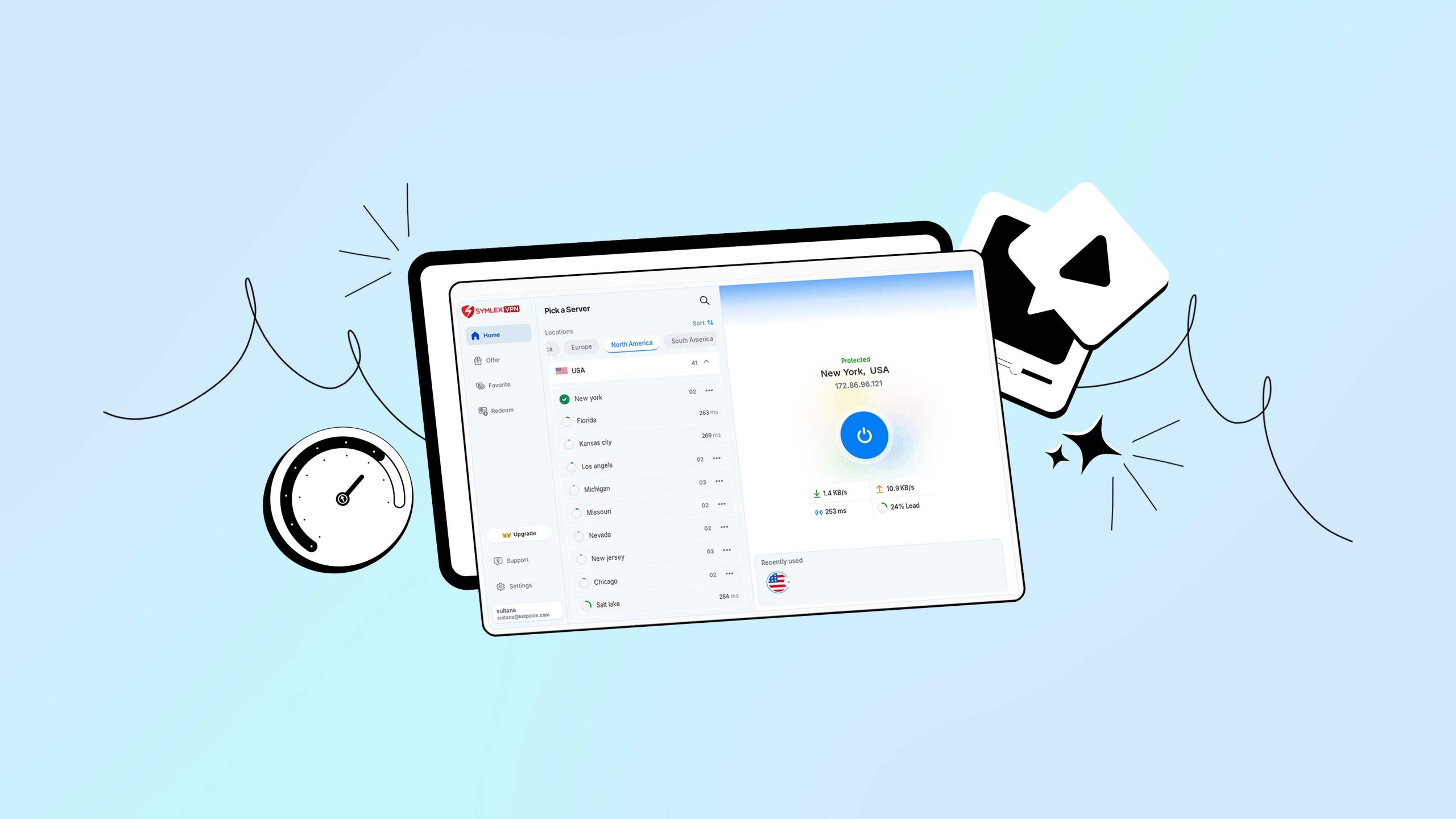
If a VPN cannot stay connected through a live match or a long binge session, it is not built for streaming. Symlex VPN is built around exactly these priorities, staying stable on TV and mobile when the network is at its busiest.
Checklist to select a good streaming VPN
A VPN is streaming-ready if it can do most of this without you having to babysit it.
- Starts streams fast and holds HD quality during peak hours
- Does not drop when you switch between Wi-Fi and mobile data
- Works reliably on Smart TV, Fire Stick, or Android TV
- Uses well-managed IPs that keep playback errors to a minimum
- Runs on modern protocols such as WireGuard or a well-tuned OpenVPN
- Handles DNS properly, which reduces loading issues
If it fails two or three of these, it may still be a decent VPN. It just is not built for streaming.
What’s the best VPN for TV streaming?
TV streaming exposes a weak VPN faster than any phone or laptop. Smart TVs have limited processing power, handle disconnects poorly, and rarely recover gracefully when a network fluctuates.
The result is a frozen screen, an endless loading circle, or an app that stops responding.
A VPN for TV streaming built for the job includes native apps for Android TV and Fire TV, lightweight protocols that do not overload the TV’s hardware, a kill switch to stop data leaks, and proper DNS handling to keep playback smooth.
Most Smart TVs run on lower-power processors compared to phones or laptops, so even a one- or two-second network interruption can freeze playback or force an app restart.
What’s the best VPN for live sports streaming?
Live sports are the hardest test for any VPN. A live stream leaves no room for error. Connection issues often show up right when an event starts, since that is exactly when networks are busiest and ISPs tend to manage video traffic more aggressively.
A VPN for live sports streaming focuses on low-latency routing, stable long-session connections, fast recovery from network changes, and consistent performance during peak hours, not just in off-peak speed tests.
If a VPN can handle live sports, it can handle almost any other streaming situation.
What’s the best VPN for social media apps?
Social apps behave differently depending on where and how you connect.
Location changes, network reputation, and unusual login patterns can all affect what loads or whether an account gets flagged. This is why people often notice issues while traveling or on public Wi-Fi.
A VPN for social media can add privacy while traveling or using office, campus, or public Wi-Fi, protecting accounts on unsecured networks, and supporting more consistent connectivity when networks change.
The goal is for apps to feel completely normal. Feeds refresh instantly, uploads go through, and calls stay stable.
How does a VPN protect your privacy without slowing you down?
Privacy should not mean slow connections or broken apps. A strong, privacy-focused VPN protects your data quietly, without constantly reminding you it is running.
Look for a clear logging policy, modern encryption, private DNS handling, and built-in leak protection to help reduce accidental IP exposure. Done well, a VPN for privacy balances strong encryption with efficient routing.
It fades into the background like noise-canceling headphones for your internet, while aiming to minimize performance impact.
Free vs premium VPN for streaming: what to expect
A free VPN for streaming can work for a short test or casual browsing, but streaming is one of the hardest jobs for any VPN to handle consistently, and that is where the limits usually show up.
| Feature | Free VPNs (typical) | Premium VPNs (typical) |
| Streaming reliability | Hit or miss | Consistent |
| Speed at peak time | Often unstable | More stable |
| Server congestion | Very high | Lower |
| Playback errors | Common | Less common |
| Best for | Short tests | Daily streaming |
A free option might work occasionally during off-peak hours, but for regular TV streaming, live sports, or travel, a paid VPN plan usually saves time and repeated trial and error. A simple way to decide is to start the free 5-day trial of Symlex VPN. Feels good? Continue!
How to stream with a VPN: step by step
Setting up a VPN for streaming takes a couple of minutes on any device. Here is how to download a VPN and stream properly, no matter what screen you are using.
- On mobile (iOS or Android): install the app, connect to a nearby server, keep the protocol on Auto or WireGuard, then open the streaming app.
- On Fire Stick or Android TV: install the Fire TV or Android TV app, connect first, then open the streaming app. If it fails, switch servers once and restart.
- On desktop: install the Windows or macOS app, connect to the best nearby server, then open your browser or app.
Performance after connecting depends on server load, routing, protocol, and local network conditions. If it still fails, possible causes include server congestion, routing, app state, or local network conditions..
Quick fixes if streaming still buffers
- Switch to a nearby server first
- Fully close the streaming app, then reopen it after the VPN connects
- Try a different protocol if your VPN supports it
- Restart the device, especially TV sticks, since they cache network states
Common causes can include cached app sessions, server load, routing, or local network conditions.
Frequently asked questions
Low latency, stable routing, encryption, and how well it handles peak-hour traffic, more than raw speed test numbers.
Yes, through a native app, a streaming device, or your router. Connect the VPN before opening the streaming app.
In many countries, using a VPN is legal. Streaming platforms may still restrict content by region under their own terms, so check local laws and the platform’s terms of service if you are unsure.
It cannot increase your raw internet speed, but routing through a VPN may affect connection performance, depending on network conditions.
Final takeaway
Most people want something simple: streaming that behaves normally on their TV, phone, and Wi-Fi, without learning networking and without trading speed for privacy. VPN is built around exactly that. Try Symlex VPN and let us know your experience.