
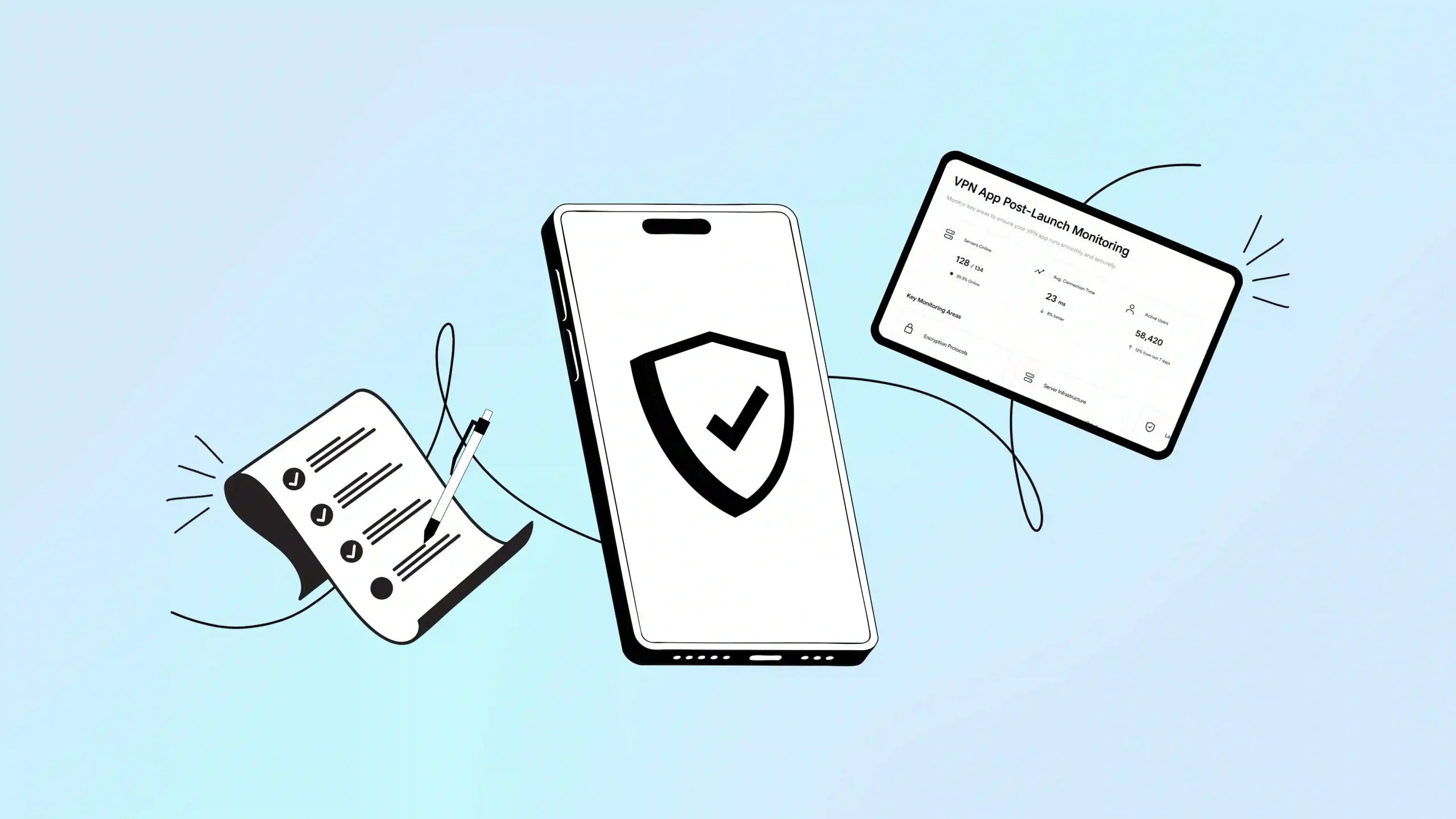
Launching a VPN? It’s the easiest part. The real test comes with survival after launching. If you want your VPN to dominate in the market, you need consistent monitoring, rigorous testing, and optimization.
You need to ensure the platform offers seamless connectivity, strong encryption, stable connections, leak-free privacy, and high-speed performance.
A minor failure in privacy or stability can reduce user trust. That’s why a VPN app post-launch checklist is essential. It ensures the app remains secure, scalable, and reliable while delivering top performance.
In this guide, you’ll learn:
- Post-launch testing and monitoring steps
- Performance optimization tips
- Marketing and growth strategies
- How Symlex VPN sets the standard for secure, high-performance VPN services
Let’s walk into the details.
What Is a VPN App Post-Launch Checklist?
A VPN app post-launch checklist is a structured plan used after deployment to ensure the app runs smoothly, stays secure, and continues to grow its user base.
It focuses on server performance monitoring, UX optimization to reduce dropout rate, maintaining privacy standards (e.g., no-log policies), and responding to user feedback.
It includes testing and monitoring key components like:
- Encryption protocols
- 服务器基础设施
- Leak protection (DNS, IPv6, WebRTC)
- Connection stability
- Privacy compliance
- Application security
In a word, this checklist ensures your private browsing network stays secure, scalable and highly trustworthy.
Why VPN App Performance Optimization Is Critical for VPN Apps
Recent research shows that 77% of VPN apps fail basic transparency tests — meaning many services users trust may not protect their data effectively. The VPN app deployment checklist for a secure tunneling network ensures user privacy, strong protection against online threats, and top performance across different devices and operating systems.
Consistent testing and monitoring successfully prevent data leaks, fix bugs, and adjust to network changes.
Top 5 Reasons for VPN app Post-Release Analysis:
- Ensuring Security & Preventing Threats – Private network infrastructure must be consistently monitored to mitigate vulnerabilities. Regular security checks help block interception attacks and keep user data safely inside the encrypted tunnel.
- Compatibility with OS and Device Updates – The latest version of the browser or the Android or iOS app can cause issues with the security tunnel network. Regular updates can effectively help adapt to change.
- Performance & Reliability – The VPN app release checklist can track high latency, frequent disconnects, server downtime, and other issues. It directly affects users’ trust and retention.
- User Experience & Feature Effectiveness – Post-release testing helps identify bugs that degrade VPN performance. Monitoring post-release feedback and in-app analytics helps evaluate how features perform and whether users are experiencing a gap.
- Compliance & Privacy Standards – Testing ensures the app remains compliant with regional data privacy laws.
Understanding why performance matters sets the stage for the 5 essential post-launch steps every VPN app must follow.
Complete VPN App Post-Launch Checklist (2026): 5 Steps
A comprehensive after-launch checklist for a VPN application should focus solely on stability, user security, performance monitoring, and compliance. Let’s check:
- Monitor App Stability and Network Performance
It’s imperative for an encrypted tunnel network to maintain smooth performance to retain users and prevent security issues. Focus on:
- Crash Detection & Real-Time Alerts – Use Crashlytics, Monitor Dot, or VPN Privacy Dot to monitor app crashes in case they happen. You need real-time data on crashes and to fix them instantly.
- Connection Reliability Metrics – Track successful VPN connections by location, server, and protocol. Thoroughly check the areas that cause failed connections.
- Security & Leak Detection – Verify that the VPN correctly covers the IP address using tools such as ipleak.net or dnsleaktest.com.
- Server Load & Latency Monitoring – Meter bandwidth, server response time, and user load. Scale infrastructure early to maintain a smooth user experience.
- Protocol Performance Checks – Ensure VPN protocols such as WireGuard, OpenVPN, and IKEv2 remain stable and transition seamlessly when needed.
- Leak Prevention Verification – Test for DNS, IPv6, and WebRTC leaks to ensure users’ data remains fully protected.
- Optimize User Experience and Customer Support
A Virtual Private Network can lose its appeal if the user interface is confusing and customer support is not up to the mark. After launch, ensure:
- App Store Feedback Analysis – Monitor and respond to reviews on iOS and Android to quickly address user pain points.
- User Interface (UI/UX) Enhancements – Streamline installation. Display connection status, security, and IP masking with instant, clear feedback.
- Enable the Kill-Switch – Closely test whether the Kill-Switch effectively masks the user’s IP address when the network drops. Moreover, use split tunneling so users can exclude trusted apps from the VPN and keep them fast.
- Support & Troubleshooting – Offer an omnichannel support experience that includes chatbots, email, and live agents to resolve any issue.
- Real-time Analytics – Use centralized dashboards to analyze user connectivity in real time. Carefully monitor for slow speeds and failed connections.
- Track Revenue and Subscription Condition
After launching the secure tunnel network, you need to thoroughly analyze revenue and subscription conditions. If monetization is poorly designed after launch, a VPN app can lose both revenue and user trust (As ads or data collection to earn revenue can demote user experience). That’s why focus on:
- In-App Purchase Verification – Test subscription flows, renewals, and payments on all platforms.
- Monthly Recurring Revenue (MRR) – This is the key metric that shows how much recurring revenue your business earns each month. For instance, if you have 1000 customers paying $9.99/month, your MRR is $9,990.
- Subscriber Churn Rate – The percentage of users lost in each month. Formula: (Customers who left ÷ Total customers at start) × 100.
- Conversion Analytics – Track how many free users upgrade to paid plans. Thereafter, improve the prompts, offers, and feature limits that encourage them to upgrade.
- Subscription Management Accuracy – Ensure backend systems correctly handle cancellations, renewals, and expirations. Moreover, track app connection times, data usage, and session timing to analyze usage patterns.
- Payment Success Rate – Percentage of successful transactions. Failed payments lose you money. The success rate should be above 85%.
After launching the VPN app, you should consistently monitor these things –
- New signups
- Cancellations
- Payment failures
- MRR this week vs. last week
- Churn rate trend
- Top cancellation reasons
- Cohort retention (Do January customers stick around better than February customers?)
How to Ensure that the VPN is in Good Condition?
- Monthly churn: <5%
- Trial conversion: 25-35%
- Annual plan renewal: >60%
- MRR growth: 10-20% monthly (early stage), 30-50% at a later stage (after 6 months)
- Payment success rate: >85%
- Customer Lifetime Value: 3x customer acquisition cost minimum
- Marketing & Growth Optimization
A VPN app launch isn’t complete without strong post-launch marketing. This is how your product can reach a wider audience and generate significant revenue.
- App Store Optimization (ASO) Updates – Update titles, subscenes, and descriptions based on early performance and engagement. Additionally, update screenshots, icons, and preview videos to highlight security, speed, and ease of use.
- Apple Search Ads (ASA) – Use it to reach high-intent users to grow quickly and get a stronger return on investment.
- Performance Marketing – Run paid campaigns on TikTok, Meta, and LinkedIn, focusing on short videos (especially reels) that show the app in action. Partner with popular privacy-focused creators to expand your reach and attract more users.
- Analyze Data & Reduce Churn – Set up dashboards for DAU (Daily Active Users), churn rate, and Customer Lifetime Value (CLV). Monitor each step: website visit → app download → payment. Improve wherever people quit. In addition, create retention campaigns to reinvolve customers who haven’t checked the app.
- Targeted Campaign Execution – Run campaigns aimed at privacy-conscious users, gamers, or streaming enthusiasts to enhance acquisition.
- Content Marketing – Start content marketing campaigns to attract more customers. You can post unique, SEO-optimized content, such as “Why VPN is important” and “How VPN keeps users safe,” etc. Monitor the ranking on Google Search Console and take the next steps accordingly.
- Free-to-Paid Conversion – Offer free trials or basic plans (freemium) to attract users before converting them to paid subscriptions.
Tools You Can Use
- Google Analytics (track traffic sources)
- SemRush or Ahrefs (Find out the keywords for blog content)
- Facebook Pixel (measure ad performance)
- Hotjar (see how users interact with your site)
- A/B testing tools (Optimizely, VWO)
- Analytics from your payment processor (Stripe, Paddle)
- Security & Compliance Maintenance
User trust largely depends on ongoing 安全 protocols and regulatory compliance. So, maintaining the VPN compliance & privacy checks is a must.
- No-Log Policy Revalidation – Ensure your infrastructure continues to prevent the storage of user activity logs.
- Post-Launch Penetration Testing – Conduct security audits to check vulnerabilities and fix them quickly.
- Regulatory Compliance Checks – Confirm your app aligns with GDPR, CCPA, and other local privacy laws.
So, this is the VPN infrastructure monitoring strategies after the launch of the private browsing network. You need to consistently monitor everything to keep it usable and stay competitive in this saturated market.
See how Symlex VPN implements these security standards – How Symlex VPN Builds Scalable & Secure VPN Apps.
Complete VPN Post-launch Marketing Checklist (Quick View)
| Area | Where to Focus | Key Metrics to Check |
App Stability & Performance | Monitor crashes, connection reliability, server load, latency, and VPN protocol stability. Test for DNS, IPv6, and WebRTC leaks. | Crash rate, connection success rate, and server response time. |
User Experience & Support | Improve UI/UX, analyze app store feedback, test kill-switch & split tunneling, and provide fast multi-channel support. | User ratings, support response time, and failed connection reports |
Revenue & Subscriptions | Verify in-app purchases, track free-to-paid upgrades, manage subscriptions, and monitor revenue trends. | MRR, churn rate (<5%), payment success rate (>85%) |
Marketing & Growth | Optimize App Store listings, run ads (TikTok, Meta, LinkedIn), partner with privacy creators, and track funnel performance. | DAU, downloads, conversion rate |
Security & Compliance | Maintain a no-log policy, conduct penetration testing, and ensure compliance with privacy laws like GDPR and CCPA. | Security audit results, compliance checks |
Here, we’ll discuss the critical mistakes to avoid while launching a VPN brand.
10 Common VPN Setup and Security Mistakes You Should Avoid
Let’s check the list of VPN app post-launch checklist you can make primarily –
- Launching without security audits and penetration testing.
- Ignoring DNS Leaks, IP Leaks, and WebRTC Leaks.
- Poor VPN server infrastructure and limited geographic coverage.
- Not testing kill-switch functionality across all platforms.
- Poor App Store Optimization (ASO) for VPN apps.
- Unclear No-Logs policy and privacy transparency.
- Missing analytics, crash reporting, and performance monitoring tools.
- Confusing subscription tiers or pricing.
- Not localizing for international markets.
- No post-launch marketing strategy.
Are you ready for a VPN that follows all these security protocols, compliance and standards? Try 汇联VPN today and browse safely!
How Symlex VPN Maintains Security After Launch
Symlex VPN is one of the leading encrypted network links available. Thanks to its robust security, backed by regular monitoring and high-end infrastructure, it establishes a reliable private network tunnel that protects sensitive data, hides IP addresses, and preserves complete online anonymity.
Key mechanisms for online security include:
- Advanced Protocols & Encryption – Symlex VPN uses AES-256 encryption, a military-grade algorithm (the same military-grade standard used by the NSA to protect classified information). It also supports state-of-the-art protocols such as 线卫 and OpenVPN. Therefore, it can effectively balance fast speed with high-end security.
- No-Logs Policy – An independently verified 无日志政策 ensures that no personally identifiable data or browsing activity is recorded. This enhanced privacy level keeps user sessions completely confidential and untraceable, ensuring compliance with GDPR and CCPA requirements.
- Kill Switch Technology – If the internet connection drops, the built-in kill-switch technology immediately disconnects. As a result, no IP leaks or data exposure can happen.
- DNS Leak Protection – The encrypted tunnel keeps user queries secure and prevents ISPs from tracking online activity. It ensures all requests remain private and protected during transmission. Hence, it eliminates DNS leak vulnerabilities.
- Global Server Networks – Symlex VPN offers 100+ servers across 50+ countries worldwide. Thus, it can provide fast speeds, low latency, and reliable connections. Strategic server placement across key regions, including North America, Europe, Asia-Pacific, and the Middle East. Therefore, it ensures maximum coverage with the highest stability.
- Regular Performance Monitoring – Symlex VPN continuously monitors server health, connection reliability, bandwidth usage, and network latency in real-time. It uses advanced monitoring tools like Datadog and Prometheus for this purpose. This strategic monitoring ensures 99.9% uptime, higher reliability, and balanced VPN speed.
- Consistent Application Updates – Symlex VPN releases regular security patches, protocol upgrades, and feature enhancements. Therefore, it can effectively identify vulnerabilities, enhance the user experience, and ensure compatibility with the latest operating systems (iOS, Android, Windows, macOS, Linux).
FAQ of VPN App Launch Optimization Checklist
VPN service post-release validation is a systematic method used to confirm that a VPN service functions securely, performs adequately, and is dependable after its production.
There’s no specific timeline. VPN providers should conduct security audits regularly and promptly after any infrastructure update or issue is found.
You can test for VPN leaks by checking your IP and DNS before and after connecting using tools like ipleak.net, DNSleaktest.com, or BrowserLeaks. A secure VPN hides your real IP and location. Conversely, a leak exposes your true ISP-assigned details.
Important metrics include connection success rate, server uptime, speed stability, and low packet loss.
Continuous monitoring helps detect cyber threats, server failures, and performance issues before they affect users.
Not entirely. Google Analytics (free), Crashlytics free tier, and manual leak testing cover basics. However, real-time server monitoring needs paid tools ($100-500/month). Free alternatives like Prometheus (self-hosted) work but need technical expertise.
Daily: Crash rate, connection success rate, server uptime. Weekly: DNS/IP leak tests, payment success rate, churn trend. 每月: Full security audit, MRR growth, cohort retention analysis.
A professional, proper VPN security test takes 2-4 weeks to achieve comprehensive coverage and yield good results.
Wrapping Up – Stay Protected with Symlex VPN
Launching a private internet connection is just the beginning. Do you want your VPN to succeed? If yes, then start monitoring, testing, and optimization as a daily habit. Follow the VPN app post-launch strategy lists to maintain strong encryption, efficient servers, and protected user privacy.
The VPN market is ruthless. As the encrypted connection industry becomes increasingly competitive, services that offer the highest security, transparency, and performance will shine.
A platform like Symlex VPN shows how a forward-thinking approach to security and infrastructure management can help to build users’ trust in the long run. There’s definitely no luck – it shines because of its strategy and continuous effort to improve its service.
At the end of the day, launching is one thing; dominating is another. Symlex VPN heavily focuses on the latter.