
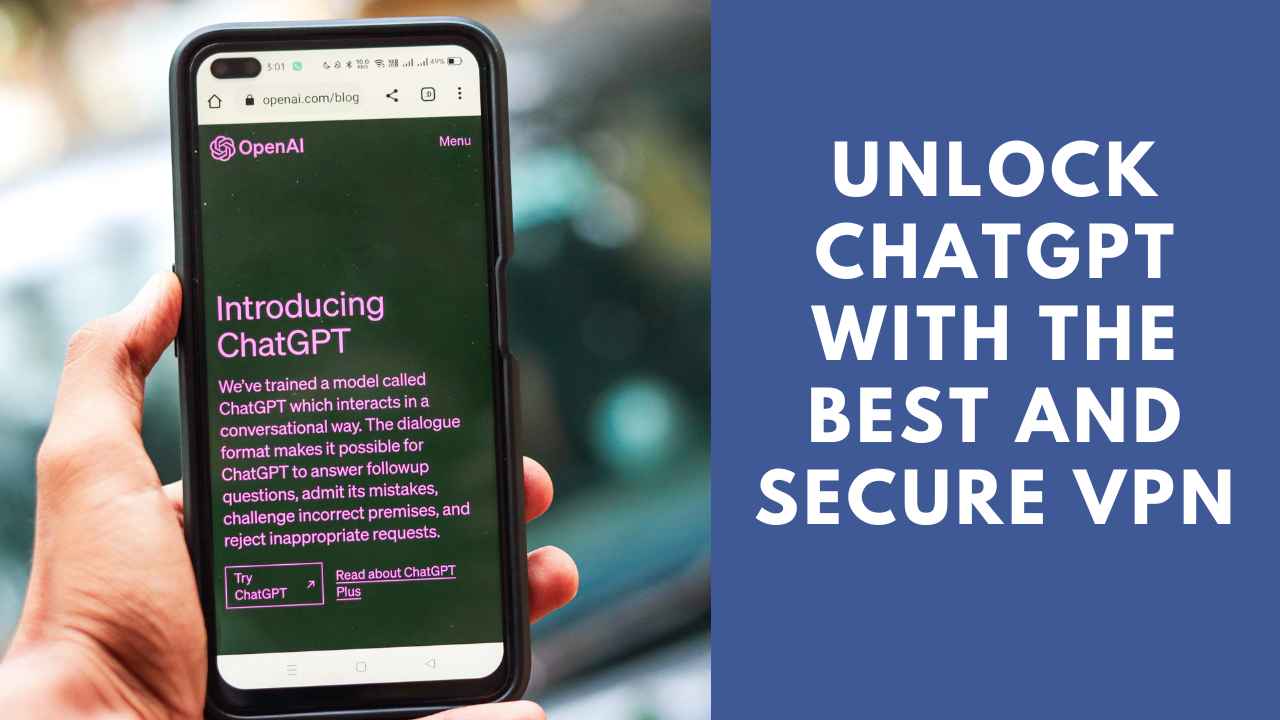
The internet has made tools like ChatGPT part of everyday life for work, research, writing, and getting quick answers. But depending on where you live, or how you use it, “safely” can mean a few different things. Does it mean keeping your data private, or being able to reach ChatGPT in the first place? We will uncover that in this short guide!
Does ChatGPT Work With a VPN?
Yes. A VPN works fine with ChatGPT for most users, and many people use one for added privacy, which encrypts their connection so their browsing habits and data are harder to track. If you’re in a location where ChatGPT is temporarily unavailable, a VPN can also help you connect through a server in a supported country.
That said, VPN laws differ by country. Some places restrict or regulate VPN use, so check your local rules before relying on one. A quick search for “VPN laws in [your country]” is usually enough to confirm where things stand before you connect.
Where Is ChatGPT Not Available?
Access is currently limited or blocked in a handful of countries, including China and a few others with strict internet regulations. The reasons are: data laws, local competition rules, or broader restrictions on foreign online services.
If you’re unsure whether ChatGPT is available where you are, OpenAI’s availability page is the most reliable place to check, since it’s updated as things change.
Staying Safe While Using ChatGPT With a VPN
If you do use a VPN alongside ChatGPT, here’s what it can actually offer:
- Beating Geo-Restrictions: A VPN with servers in multiple countries lets you connect through a supported location, so a temporary regional block doesn’t stop your work.
- Better Online Security: A good VPN encrypts your traffic, adding a layer of protection against basic snooping—useful whether you’re using ChatGPT, checking email, or browsing generally.
- Safer Public Wi-Fi Browsing Coffee shop and airport Wi-Fi networks are common targets for data interception. A VPN encrypts your connection on these networks, making it much harder for anyone else on the same network to see what you’re doing.
- Steadier Connection Speeds: Some VPNs route traffic through optimized servers, which can reduce lag — though speeds always depend on your provider, your location, and the server you pick.
- More Privacy: A VPN masks your IP address, making it harder to tie your activity back to you. Look for a provider that publishes an independent audit of its privacy practices rather than one that simply claims to keep “no logs” — audited claims are worth more than marketing copy.
How to Use ChatGPT With a VPN
- Choose a reputable VPN: 下載 a VPN with a wide server network, strong encryption, and transparent privacy practices.
- Install the app: Most providers support Android, iOS, Windows, and Mac.
- Log in and pick a server: Choose a location where ChatGPT is available.
- Connect: Give it a few seconds to establish the secure connection.
- Open: Open ChatGPT as usual through your browser or app.
Other Ways to Use ChatGPT Safely
A VPN handles your connection, but “safe” also means protecting what you share once you’re logged in:
- Stick to the official site or app: Fake ChatGPT clones exist to steal login details or payment info, so always double-check the URL.
- Avoid sharing sensitive personal data: Don’t paste passwords, financial details, or confidential work documents into any chatbot, including ChatGPT.
- Turn on two-factor authentication: If your account supports it, for an extra layer of login security.
- Keep your app updated: Updates often patch security issues you won’t notice otherwise.
- Review your chat history occasionally: Delete conversations that contain anything you wouldn’t want stored long-term, and check your account’s privacy settings to see what data is being used to improve the model.
- Be cautious with browser extensions: Not all third-party “ChatGPT” extensions are built by trustworthy developers — stick to well-reviewed, widely used ones.
常见问题解答
If ChatGPT isn’t available in your country, some alternative AI chat tools may still be accessible. If ChatGPT is simply slow or unreliable rather than blocked, you generally don’t need a VPN.
Usually it comes down to local data-privacy laws, regulatory requirements, or government restrictions on foreign digital services. Some of these restrictions are temporary while a company works through compliance requirements.
Yes. ChatGPT is accessible in the UAE, and several government and private organizations there have adopted AI tools like it to support their services.
It can, slightly, since your traffic takes an extra step through the VPN server. In practice, a well-optimized VPN with nearby servers usually keeps the difference small enough that you won’t notice it during normal use.
结语
Using ChatGPT is about protecting your privacy, your data, and your device while you use it. A trustworthy VPN can help with the connection side of things, but good habits (official apps, careful data sharing, updated software) matter just as much.