
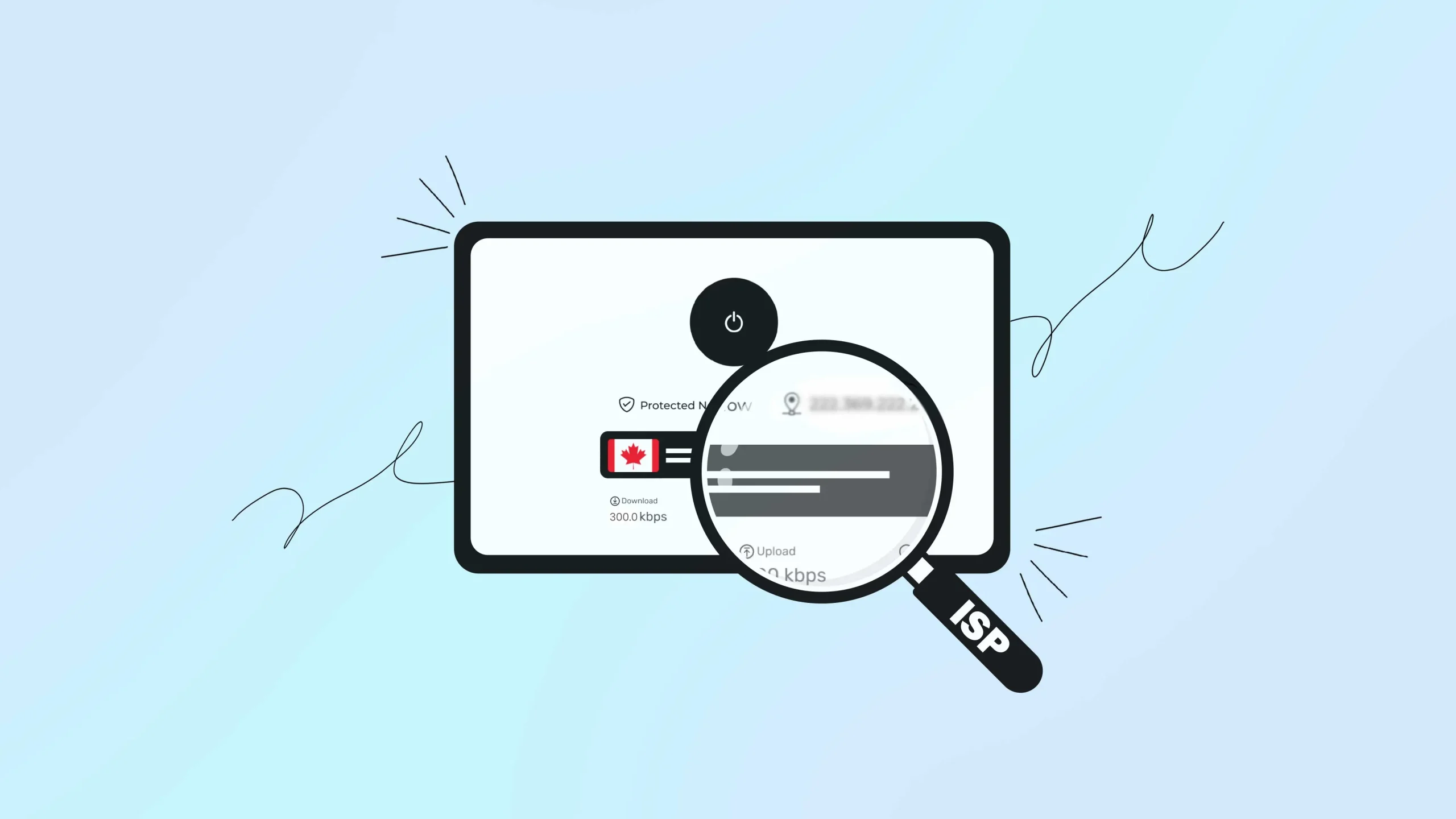
Spoiler Alert! When you connect to a VPN, your internet provider (ISP) can still see some of your online activities that includes sites you visit, downloads, and most importantly that you’re using a VPN to hide, haha jokes on you right?
So yeah if you believe that VPNs make you completely invisible online this article is for you. Let’s break down exactly what your ISP can and cannot see when you use a VPN.
What Your ISP Sees vs. What They Don’t
Your ISP CAN see:
- That you’re using a VPN
- The VPN server’s IP address
- How much data you transfer
- When you connect and disconnect
- Which VPN protocol you use
Your ISP CANNOT see:
- Which websites you visit
- Your search history
- Files you download or upload
- Personal data you enter online
- Your real online activities
How VPNs Actually Work
A VPN creates an encrypted tunnel between your device and a remote server. Think of it like sending mail in a locked box instead of a postcard.
Your ISP can see the locked box moving around, but they can’t read what’s inside.
When you visit a website through a VPN:
- Your device encrypts the request
- The encrypted data goes to your ISP
- Your ISP forwards it to the VPN server
- The VPN server decrypts and sends your request to the website
- The response travels back the same way
Understanding how internet encryption works helps explain why this process keeps your data private from ISP monitoring.
What Your ISP Can Actually See
Your ISP can see that you’re using a VPN but can’t see what you’re doing with it.
VPN Server Connection
Your ISP knows you’re connecting to a VPN server because they can see the destination IP address. They often recognize these addresses as belonging to VPN services by checking them against public databases.
Major ISPs use sophisticated network monitoring tools to identify and categorize different types of internet traffic, including VPN connections.
Data Transfer Amounts
Your ISP monitors how much data flows between your device and the VPN server. They can estimate if you’re streaming videos, downloading large files, or just browsing based on data patterns. However, they don’t know the source or content of this data.
Connection Timing
Your ISP logs when you start and stop using the VPN. They see connection duration and can track your general usage patterns. This information helps them manage network traffic but doesn’t reveal your specific activities.
VPN Protocol Information
Different VPN protocols use specific network ports and create recognizable traffic signatures. Your ISP can identify whether you’re using OpenVPN, WireGuard, or other protocols by analyzing these patterns.
线卫 和 开放VPN are the most common protocols, each with distinct characteristics that network administrators can identify through traffic analysis.
What Stays Hidden from Your ISP
Your ISP can’t see your browsing history, searches, download uploads, sensitive credentials and streaming activities.
Complete Browsing History
Your ISP cannot see which websites you visit when connected to a VPN. Whether you’re checking social media, shopping online, or reading news articles, this information stays encrypted within the VPN tunnel.
Search Queries and DNS Requests
When properly configured, VPNs route your DNS requests through their own servers.
This prevents your ISP from seeing what you search for or which domain names you look up. However, DNS leaks can occur if your VPN isn’t configured correctly, potentially exposing your browsing habits to your ISP despite being connected to a VPN.
File Downloads and Uploads
The content, type, and source of files you download or upload remain completely hidden. Your ISP might notice large data transfers but cannot identify specific files or their origins.
Personal Information Entry
Any data you type into websites – passwords, credit card numbers, personal messages – stays encrypted and invisible to your ISP.
Streaming and Communication Details
Your ISP cannot determine which streaming services you use, what shows you watch, or details about your video calls and messaging apps.
How ISPs Detect VPN Usage
Your ISP detects VPN usage through Deep Packet Inspection (DPI).
深度数据包检测 (DPI)
Advanced ISPs use DPI technology to analyze traffic patterns and identify VPN usage. This method examines packet headers and can detect VPN protocols even when they use common ports like 443 (HTTPS).
Deep Packet Inspection allows network admins to examine not just packet headers but also payload data, making it a powerful tool for identifying encrypted VPN traffic.
IP Address Analysis
ISPs compare your connection destinations against databases of known VPN server addresses. Consistent traffic to these addresses creates a clear VPN usage pattern.
Traffic Pattern Recognition
Normal browsing involves connections to multiple different servers. VPN usage shows all traffic flowing to a single IP address, creating an identifiable signature.
Behavioral Analysis
ISPs look for traffic characteristics that don’t match typical web browsing, such as:
- Consistent data flows
- Unusual packet sizes
- Specific encryption patterns
Common VPN Vulnerabilities
DNS Leaks
DNS leaks happen when your device sends domain name requests outside the VPN tunnel. Common causes include:
- Improper VPN configuration
- IPv6 compatibility issues
- Operating system features that bypass VPN settings
- Windows Smart Multi-Homed Name Resolution
解决方案: Use VPN services with built-in DNS leak protection and test regularly using online leak detection tools. The Electronic Frontier Foundation emphasizes the importance of protecting DNS queries for maintaining online privacy.
Connection Drops
If your VPN disconnects unexpectedly, your real IP address and browsing activity become visible to your ISP until the connection restores. Learn what to do if your VPN connection drops suddenly to maintain your privacy.
解决方案: Enable kill switch features that automatically block internet access when the VPN disconnects.
WebRTC Leaks
Web browsers can reveal your real IP address through WebRTC functionality, even when connected to a VPN.
解决方案: Disable WebRTC in your browser settings or use browser extensions that block WebRTC requests. Mozilla’s documentation explains how WebRTC can potentially compromise VPN privacy if not properly configured.
Privacy Implications You Should Know
Legal Considerations
VPN usage is legal in most countries, but some regions with internet censorship may block or restrict VPN traffic. ISPs in these areas might be required to report VPN usage to authorities.
这 Freedom House annual report tracks internet freedom globally and documents how different countries regulate VPN usage and online privacy tools.
Data Collection Limitations
While ISPs cannot see your specific activities, they can still build basic profiles based on:
- VPN usage frequency
- Connection timing patterns
- Total data consumption
- General usage behaviors
Government Surveillance
Law enforcement agencies can request information about VPN usage from ISPs, including:
- Connection timestamps
- VPN server locations
- Data transfer amounts
- Duration of sessions
Best Practices for Maximum Privacy
Choose Quality VPN Providers
Select VPN services that offer:
- Strong encryption (AES-256 or equivalent)
- Verified no-logs policies
- DNS 泄漏保护
- Kill switch functionality
- Independent security audits
Look for providers that have undergone third-party security audits from reputable cybersecurity firms to verify their privacy claims and security implementations. Also, choose VPN with verified 无日志政策 to ensure your data isn’t stored or shared.
Use Obfuscation Features
Some VPN providers offer traffic obfuscation that disguises VPN traffic as regular HTTPS traffic. This makes detection through Deep Packet Inspection difficult.
Tor Project documentation explains various obfuscation techniques that help bypass network censorship and DPI detection methods.
Regular Leak Testing
Test your VPN setup regularly using:
- DNS leak test websites
- IP address checkers
- WebRTC leak detectors
- IPv6 leak tests
Privacy International provides comprehensive guides on testing VPN effectiveness and identifying potential privacy leaks in your setup.
Enable All Security Features
Activate these VPN features when available:
- Kill switch protection
- DNS 泄漏保护
- IPv6 leak protection
- Auto-connect on unsecured networks
Additional Privacy Tools
Consider combining your VPN with:
- Privacy-focused browsers
- Secure DNS services
- Ad and tracker blockers
- Encrypted messaging apps
Advanced VPN providers use RAM-only VPN servers that automatically delete all data when powered down, providing additional security.
ISP Tracking Without VPN
To understand why VPNs matter, consider what your ISP sees without protection:
Complete visibility includes:
- Every website you visit
- All search queries
- Email content (if unencrypted)
- Download and upload activity
- Streaming service usage
- App usage patterns
- Location-based services
Data usage by ISPs:
- Network management
- Targeted advertising
- Data sales to third parties
- Compliance with government requests
- Bandwidth throttling decisions
这 Federal Trade Commission has documented how ISPs collect and monetize user data, highlighting the importance of VPN protection for consumer privacy.
Technical Detection Methods
Port Analysis
ISPs monitor which network ports your traffic uses. Common VPN ports include:
- OpenVPN: 1194 (UDP), 443 (TCP)
- IKEv2: 500, 4500 (UDP)
- WireGuard: 51820 (UDP)
- SSTP: 443 (TCP)
Protocol Fingerprinting
Each VPN protocol has unique characteristics that ISPs can identify:
- Packet size patterns
- Timing behaviors
- Encryption handshakes
- Connection establishment sequences
Statistical Analysis
ISPs use algorithms to detect VPN usage through:
- Traffic flow analysis
- Connection duration patterns
- Data transfer rhythms
- Bandwidth usage spikes
Network security research shows how machine learning algorithms can identify VPN traffic patterns with increasing accuracy, making obfuscation technologies more important for privacy protection.
结论
VPNs provide substantial privacy protection by encrypting your internet traffic and hiding your browsing activities from your ISP.
However, they don’t make you completely invisible. Your ISP will always know you’re using a VPN and can collect metadata about your connection.
The most important information – what websites you visit, what you search for, and what files you download – remains encrypted and hidden within the VPN tunnel.
Understanding these limitations helps you make informed decisions about your online privacy while setting realistic expectations about what VPN protection actually provides.
Lastly, ISP visibility is just one aspect of VPN privacy. Learn about other common VPN myths that might affect your security decisions
常见问题 (FAQ)
Some ISPs may throttle VPN traffic, but they cannot legally block it in most countries. Quality VPNs with obfuscation features can help prevent this.
No, incognito mode only prevents local browser history storage. Your ISP can still detect VPN usage and traffic patterns regardless of browser privacy modes.
VPNs don’t remove existing cookies from your device. Websites can still track you through stored cookies, but your ISP cannot see this cookie-based tracking activity.
In most countries, VPN usage is legal and ISPs don’t report it. However, some regions with internet censorship may require ISPs to monitor and report VPN usage.
Use online tools to check for DNS leaks, IP address exposure, and WebRTC leaks. Test regularly to ensure your VPN maintains proper protection.